
Invoicing
Invoices that get paid, and recorded for you
Create an invoice in a minute, email it with your logo, and let customers pay online by card or bank transfer. Every invoice and payment posts to real double-entry books, so your reports are always up to date.
30 days free. No credit card to start. Unlimited users.
What you get
- Your logo, your terms. Set your invoice numbering, payment terms and notes. Customers get a clean, read-only invoice link.
- Customers pay online. Card or bank transfer (ACH) through a secure Stripe checkout. Payments and refunds are recorded for you.
- The right sales tax. Each customer's location sets the rate, or leave tax off if you don't charge it.
- Edit until it's paid. Unpaid and partly paid invoices stay editable, and the balance updates itself.
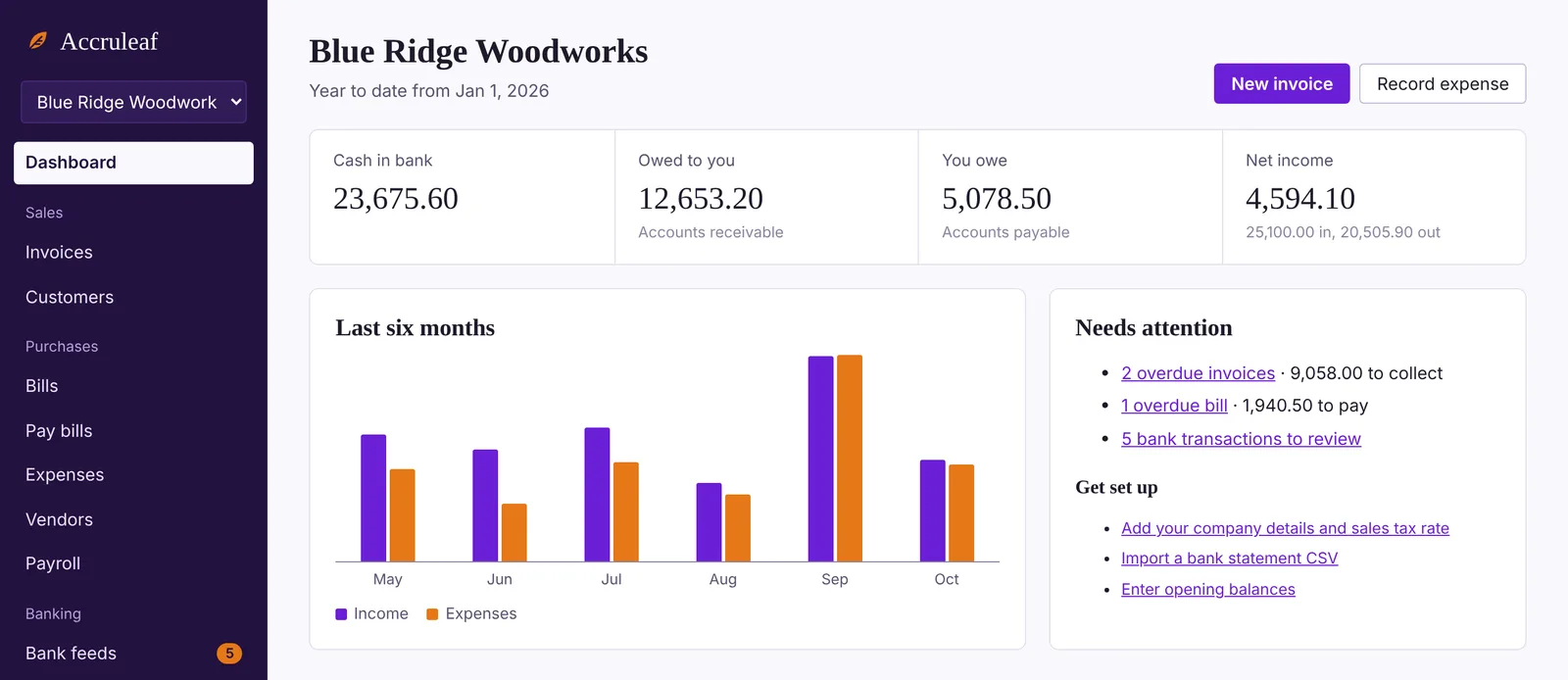
- See who owes you. Filter by customer or status, and run a receivables aging report to see who's overdue.
- Deposits that match your bank. Group several payments into one deposit so your books match the bank statement.
Questions
What does it cost to accept online payments?
Accruleaf doesn't add a fee. Stripe charges its standard processing fees, which you can see in your Stripe account.
Do my customers need an account?
No. They open the invoice link from the email and pay. Nothing to sign up for.
Can I record checks and cash too?
Yes. Record any payment by hand, and Accruleaf can match deposits from your bank feed to open invoices.